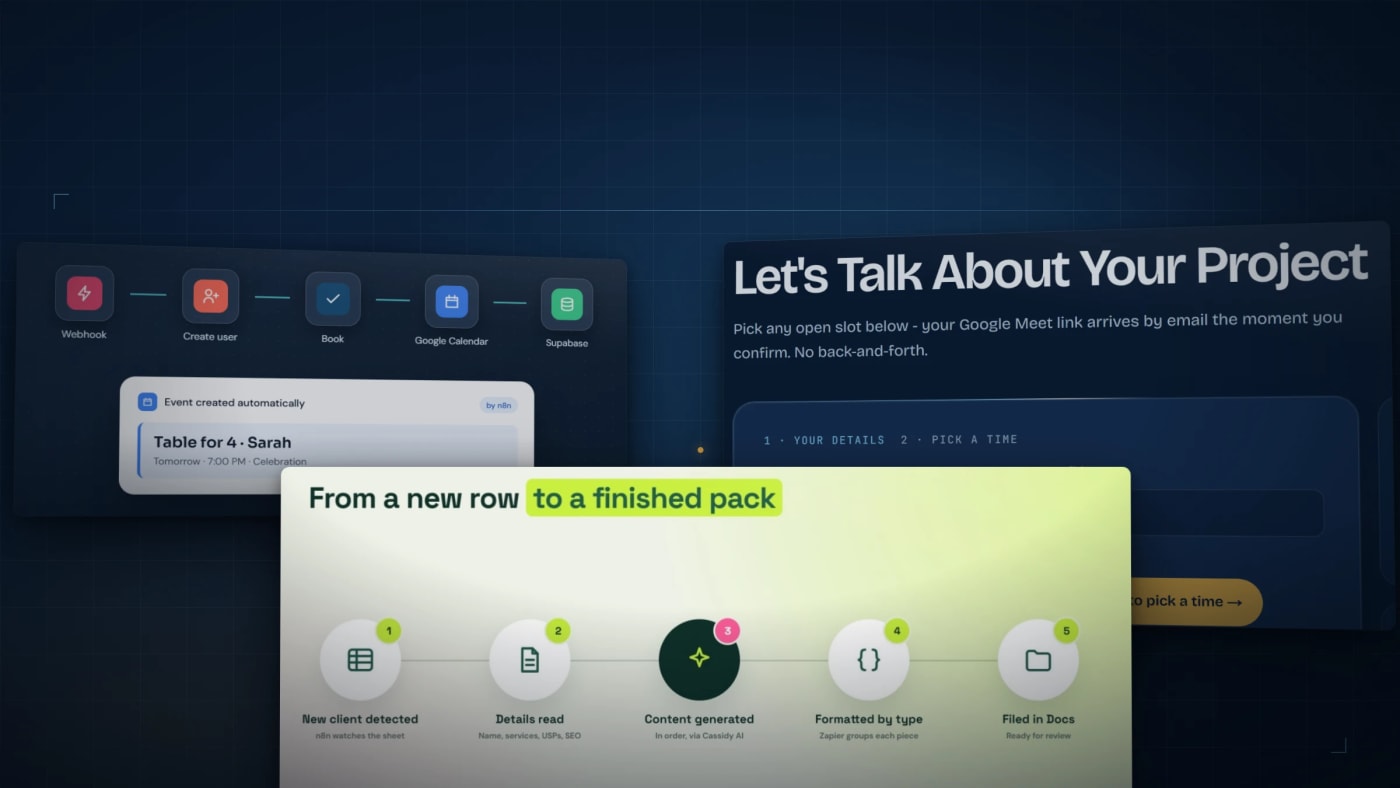
The question is never which platform is best. It is who opens it in six months when something breaks at nine on a Friday night.
We run all three. n8n sits behind three voice agents and a content pipeline, Make.com runs the busiest phone receptionist we have built, and GoHighLevel is what books the call when somebody fills in the form on this site. So this is the comparison with the workflows attached rather than the feature lists.
What No-Code Automation Means Now
Five years ago these tools moved data. A form arrives, a row appears in a spreadsheet, somebody reads it later. What changed is that a step in the middle can now make a judgement: score the lead, classify the ticket, draft the reply, choose which branch to take.
That is the whole upgrade, and it is larger than it sounds. A workflow that can decide is a workflow that finishes a job, rather than one that prepares a job for a person to finish. Gartner expects 40% of enterprise applications to include task-specific AI agents by the end of 2026, up from under 5% in 2025, and most of those will not be written from scratch. They will be assembled in tools like these.
The Three, Side by Side
The short version, before the detail.
| Factor | n8n | Make | GoHighLevel |
|---|---|---|---|
| Main strength | Flexibility and control | Visual clarity | Sales and marketing in one system |
| AI depth | Deep, with agent nodes that pick their own tools | LLM modules inside the scenario | Native voice, chat and SMS |
| Self-hosting | Yes | No | No |
| Suits | Technical teams | Marketing and operations teams | Agencies and sales teams |
| Learning curve | Moderate | Low | Low to moderate |
| Pricing shape | Free self-hosted, or paid cloud | Per operation | Flat monthly per account |
| Code escape hatch | JavaScript and Python nodes | Built-in functions, no general code | Through its API |
Two rows decide it more often than the rest. Self-hosting, because some data is not allowed to leave your own machines. And who it suits, because a workflow nobody on the team can read is a dependency rather than an asset.
We have left integration counts out on purpose. Every platform publishes a number, they all count different things, and the only count that matters is whether the handful of connectors your own stack needs are there and maintained.
Where We Use n8n
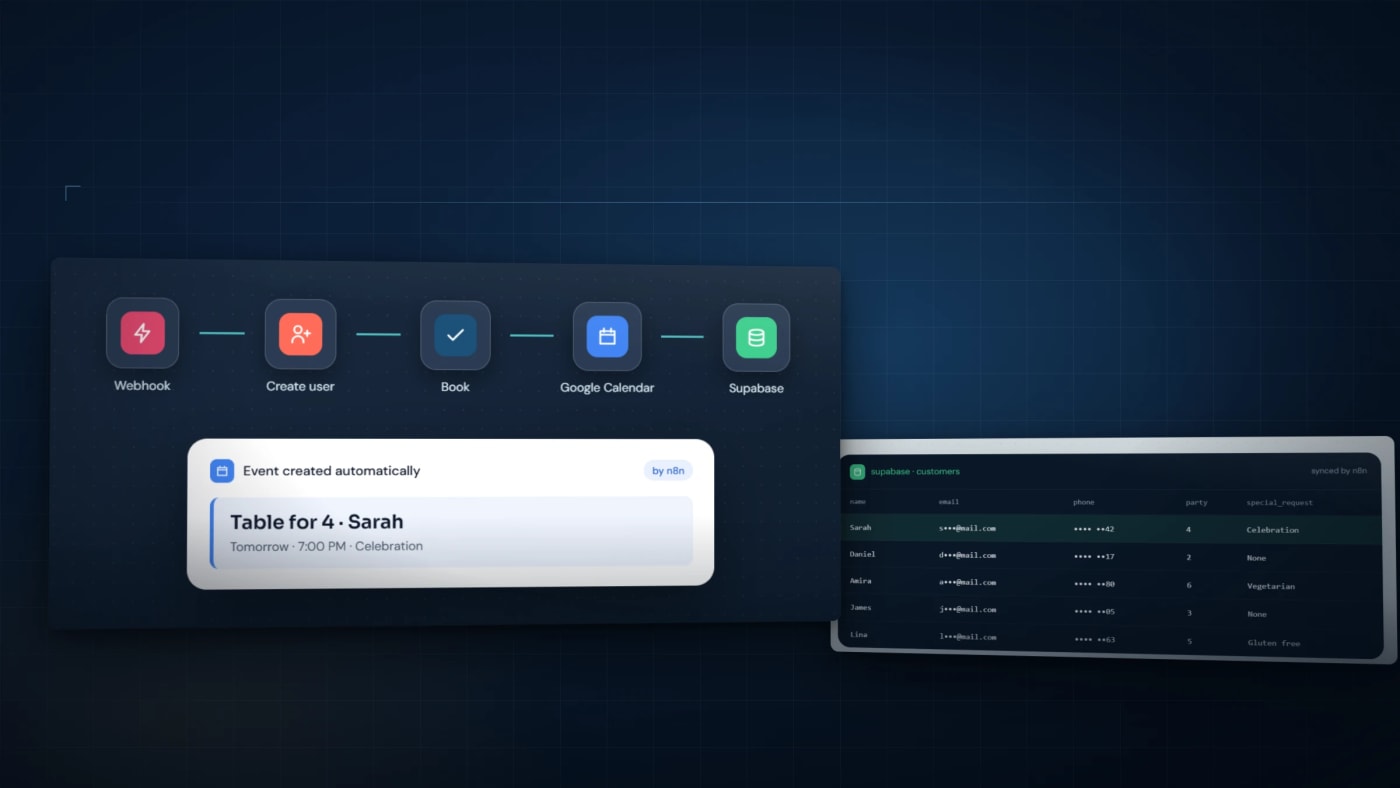
n8n does the work behind our voice agents. On the restaurant booking agent the call itself is Retell AI with GPT-5, and everything after the caller hangs up is n8n: a webhook creates the customer record, creates the matching Google Calendar event, and writes the booking metadata to Supabase. The pet care agent runs the same nine steps on every call and adds Square CRM, so the contact exists before anyone would have got round to typing it in.
The outbound reactivation agent is the same arrangement pointed the other way. n8n workflows load the list, dial through Retell and score what comes back. On one campaign that meant more than 500 dormant leads called, 94% correctly qualified by trade and problem, and over 200 handed to sales with the context attached.
The content pipeline is n8n with no voice in it at all. A new client lands in a Google Sheet, the sheet is checked every minute, and the run produces blogs, then website copy, then emails, then ad copy, then social posts through Cassidy AI, with Zapier formatting each piece and filing it in Google Docs. The detail worth copying is that the workflow reports its own failures, so a run that stalls halfway is visible instead of silent.
What n8n is good at in all four is the escape hatch. When one step needs logic no node covers, you write that step, and the rest of the workflow stays visual.
Where We Use Make
The tax-practice phone receptionist runs on Make.com. Three agents answer three campaign lines, and Make carries everything around the call: the Folk CRM REST API and its webhooks, Calendly for the slot, Twilio for the text that follows, and SMTP alerting when a human needs to look at something.
Make earns its place when the scenario has to be legible. A branching call flow laid out visually is something the person who owns the process can read without a developer sitting next to them, and that matters more than any feature the afternoon somebody asks why a call went the wrong way at four o'clock.
Where We Use GoHighLevel
GoHighLevel is the one running on this site. When somebody books a consultation, our API checks the slot is still in the future, validates the lead, and runs a bot check before any calendar time is taken. Then it upserts the contact, deduplicated by email, creates the 30 minute appointment on the GoHighLevel calendar, tags the contact, and either creates an opportunity at the booked stage or moves the existing one there.
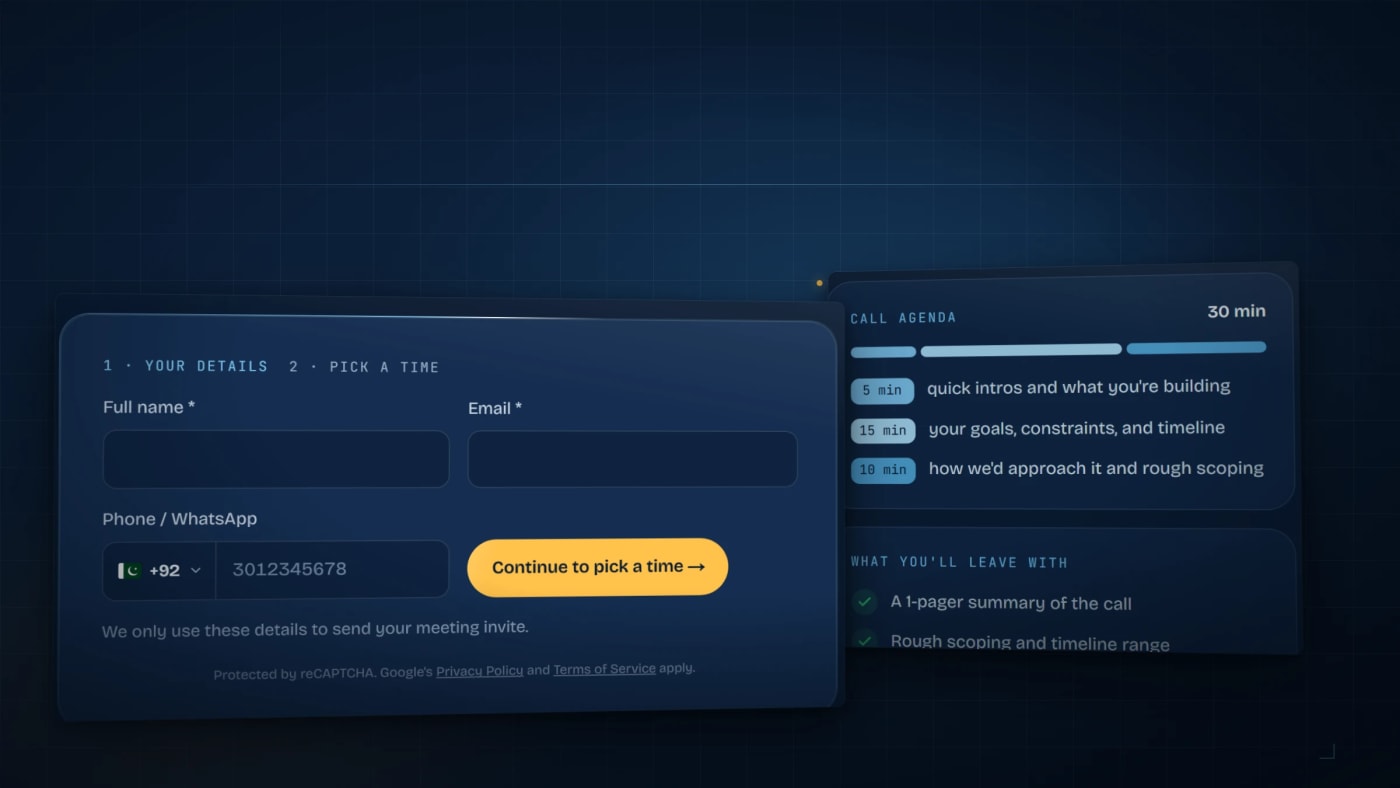
Two details in that flow are worth stealing. A failed appointment returns an error to the visitor rather than a confirmation, because telling somebody they are booked when they are not is the worst available outcome. And the tag and the pipeline move are best effort: the slot is already held by then, so a failure there is logged rather than shown to anyone.
That is what the all-in-one argument looks like in practice. The CRM, the calendar, the pipeline and the messaging are one system, so there is nothing to keep in sync between them.
Where No-Code Stops
Every honest version of this article needs this section. Three things have pushed us out of a visual builder and into code:
- Latency. The tax receptionist had a one second budget for the caller lookup that runs before the phone is answered. Through the CRM it measured 789 ms at the median and 1,440 ms at worst. It now runs in a small FastAPI service with the contacts held in memory, 26 ms from cold, with the CRM still behind the same interface on a 400 ms timeout.
- Arithmetic that has to be right. Ten IRS notice types, each with its own statutory clock. A language model asked to count days answers confidently and is sometimes wrong, so those dates are computed in code and the agent reads the result.
- Testing. That receptionist carries 447 automated tests and 87 acceptance scenarios. A visual builder does not give you that, and on three live lines you need it.
The rule we work to: the workflow belongs in n8n or Make, and anything with a deadline, a contract or a number attached belongs in code behind an endpoint the workflow calls. More on how we draw that line in the guide to putting an agent into a business.
The Four Mistakes We See
- Automating a process nobody has written down. If it is not reliable by hand, automation only makes the mess arrive faster.
- No error path. Every workflow meets an API timeout eventually. Decide in advance whether that retries, alerts somebody or stops the run.
- No human where it matters. Customer-facing words and anything touching money want a review point. Everything else can run unattended.
- Workflows that never talk to each other. The value compounds when the output of one becomes the trigger for the next, and stalls when each sits on its own.
Your First Workflow
Four steps, and the first two happen away from the keyboard. Pick the process that is repetitive, high volume and low judgement. Write it down: the trigger, every decision point, the data sources, the outputs. Choose the platform that matches whoever will maintain it rather than whoever will build it. Then ship one workflow, measure it, and let that result argue for the next one.
What Teams Ask Before Picking One
Which one should we actually choose?
n8n if the workflows are complex or the data has to stay on your own infrastructure. Make if the people maintaining it are not developers. GoHighLevel if the job is sales and marketing and you would rather own one system than integrate four. Plenty of businesses end up with two, commonly GoHighLevel at the front for leads and n8n behind it for the processing.
Does this replace developers?
It replaces the integration work, which is most of the work. It does not replace the parts above: latency budgets, calculations that must be exact, and anything that needs a test suite. The useful framing is that no-code moves the line, it does not remove it.
What does it cost?
The platform is the small half. n8n is free if you host it and charged if you do not, Make charges per operation so busy workflows cost more, and GoHighLevel is a flat monthly account. The real cost is the design and the integration work, and the number that matters is how it compares to the hours the process consumes today.
Is it secure enough for regulated work?
Self-hosted n8n keeps the data on machines you control, which is usually what the compliance question is really asking. After that it is ordinary discipline: send the minimum into each step, scope every credential to one job, and keep a log of what ran and who changed it.
How do we know it worked?
Count three things. The share of cases that finished without a person. Whether the record left behind is complete enough to use. And the hours returned. Ours look like 90% less admin time on restaurant bookings, 63% fewer operations per call on the tax line, and more than 500 hours saved against dialling one campaign by hand.
Pick the One Your Team Can Read
Feature comparisons age badly. All three platforms will have shipped something new by the time you finish reading this. What does not change is that an automation only keeps paying out while somebody can open it, understand it and change it.
If you want help working out which of the three fits your process, we run free 30-minute consultations, and our AI automation and AI agents page sets out how a build runs. The phone side of this is covered separately in our piece on voice agents. We have been shipping automation work since 2020, with an average job feedback of 4.99 on Upwork.
One for the comments: which platform are you on, and what was the first workflow that actually saved you time?

Building AI-Powered SaaS Products, Mobile Apps & Business Automation | Trusted by Clients in 20+ Countries
Comments
No comments yet. Be the first to share your thoughts.
Leave a comment