Two years ago, AI in a mobile app was a line in the pitch deck. In 2026 it is closer to the floor than the ceiling. Users rarely ask whether an app uses AI. They notice when it does not, because the app keeps asking them to do work it could have done itself.
This is not a forecast. It is what arrives in our inbox. Clients no longer ask for an app with an AI feature added at the end. They describe a problem and expect the app to think about it.
What an AI-Native Mobile App Actually Means
An AI-native app is one where the intelligence sits in the core of the product, not in a settings screen. It shapes what the user sees first, what the app does without being asked, and what it stops asking them to type.
The difference is easy to feel. A fitness app that logs your workouts is a notebook. A fitness app that reads your last four weeks, notices you keep missing Thursday, moves the session and tells you why, is a coach. Both are apps. Only one of them earns a place on the home screen.
What the Numbers Actually Say
Sensor Tower's State of AI 2026 report projects that global time spent in generative AI apps will more than double year over year in the first half of 2026, from 17.2 billion hours in the same period of 2025 to around 36 billion.
Treat that as a direction, not a scoreboard. It is a projection, and most other figures circulating about AI app adoption trace back to vendor blogs quoting each other. The signal worth keeping is the shape of the curve. Attention is moving towards apps that do something with what they already know about you.
Five AI Capabilities Every Mobile App Needs in 2026
- Personalization that actually adapts. Not a preferences screen. The interface, the content and the order of things change as the app learns the person using it.
- Prediction instead of prompting. The next action suggested, the form pre-filled, the problem flagged before the user goes looking for it.
- Conversation as an interface. Voice and text understood in plain language, so the user asks for what they want instead of learning your navigation.
- Camera and document intelligence. Point the phone at a thing and get an answer. Scan a document and skip the typing.
- On-device inference where it matters. Faster, works offline, and sensitive data never leaves the handset.
Flutter and React Native in 2026
We build in both, so we have no side to defend. The honest answer is that the framework matters less than the team you already have.
Flutter shipped three stable releases this year: 3.41 in February, 3.44 at Google I/O in May, and 3.47 in August, which is the current stable.
On the React Native side, the change people still describe as upcoming has already happened. The New Architecture, with the Fabric renderer, TurboModules and JSI replacing the old asynchronous bridge, has been mandatory since React Native 0.82, and Expo SDK 54 was the last release where it could be switched off. Expo SDK 57, out at the end of June, moved the stack to React Native 0.86 with no breaking changes.
So the real question is not which framework is winning. It is whether your developers write Dart or TypeScript, and how much of your existing code you intend to keep.
Agentic AI: The Next Step for Mobile
The next shift is already in the work we are asked to do. Instead of answering a question, the app finishes the task. It checks availability, books the slot, writes the record and sends the confirmation, without the user opening four screens.
We build this outside mobile already, in AI automation and AI agents: voice agents that answer a business phone line and book the appointment, pipelines that turn one new row in a spreadsheet into a finished content pack. The same pattern is arriving inside apps.
AI-Native Apps We Have Built
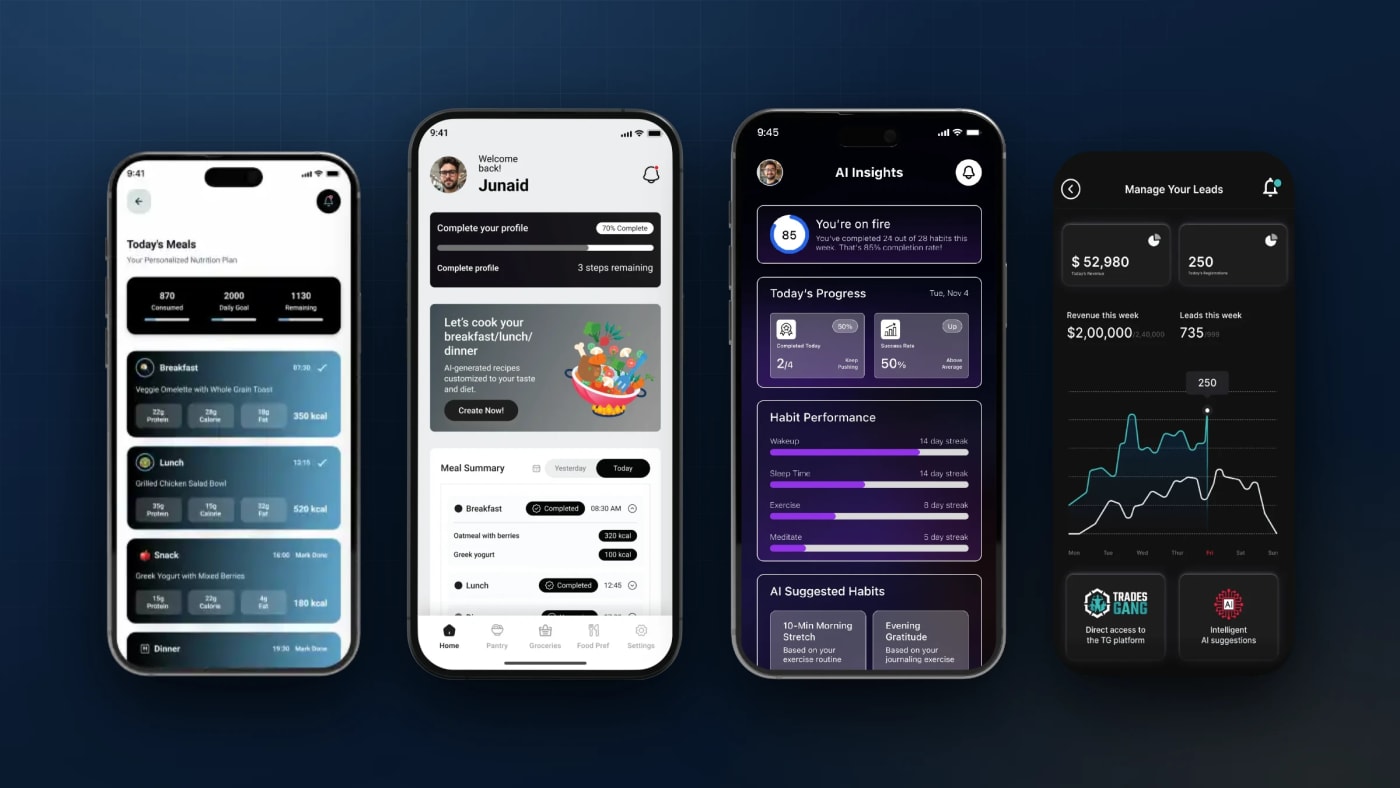
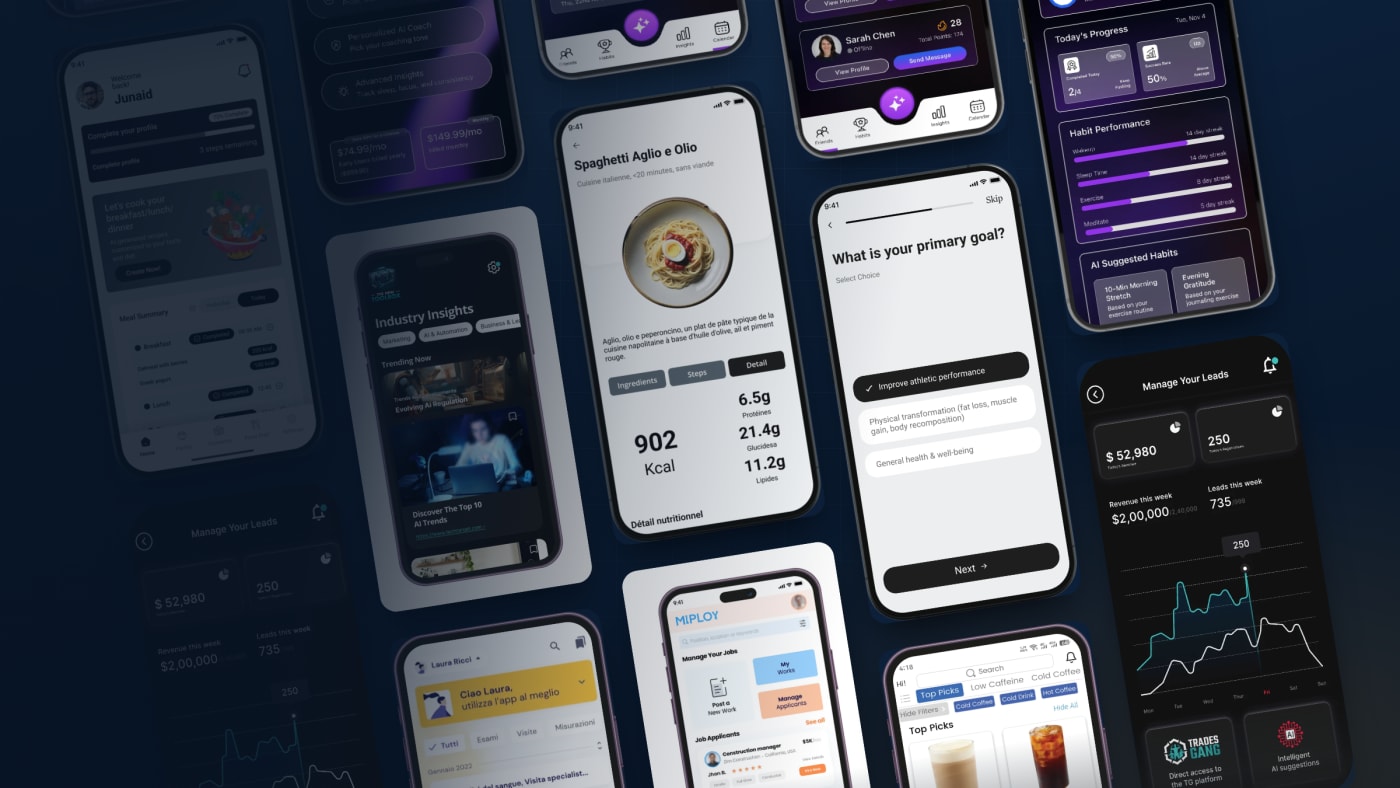
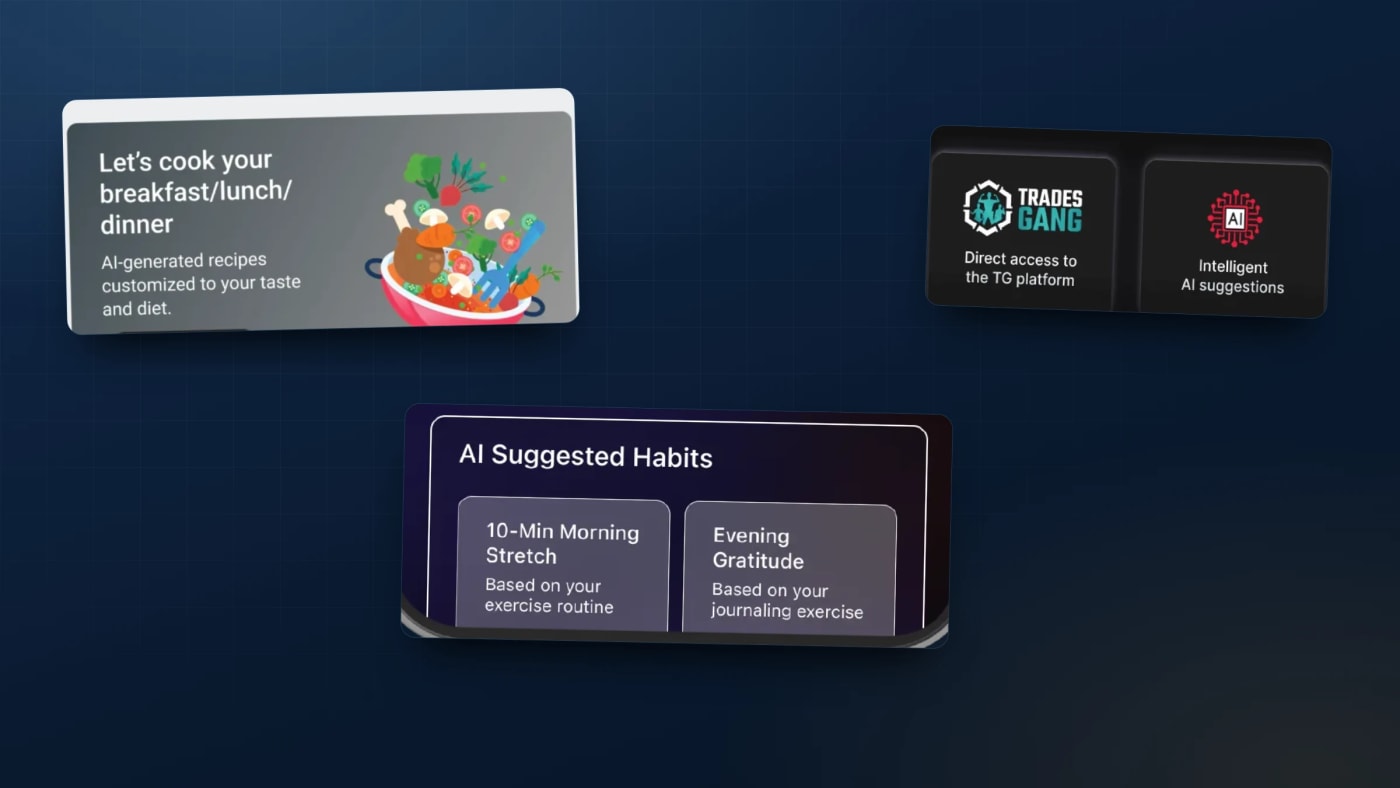
AI-APEX, built in Flutter, is a fitness, nutrition and hybrid coaching platform that uses Vision AI and generative AI together. It compares progress from photos, generates workout demo videos, and rebuilds the plan weekly around the user's data, their equipment and their physique goals.
Carl, our AI-powered nutrition app, is Flutter in front with Strapi v5 and PostgreSQL behind it and FastAPI serving the AI. It turns preferences, dietary needs and goals into meal plans, grocery lists and macro tracking, so the planning stops being homework.
Coach App, also Flutter, puts an AI coach into real-time voice and text conversation using LiveKit, alongside habit tracking, photo-proof accountability and social challenges.
Toolbox is the React Native one, an MVP built in 60 days for a UK trade business. It chases leads, sends the marketing, pulls the numbers together and keeps in touch with customers, reporting as the work happens instead of at month end, and tying into the Trello boards the team already used.
What Four Builds Taught Us
- The AI belongs on the first screen. In every one of these apps, the intelligent part is visible before the user taps anything. Buried in a tab, it gets used once.
- Adaptation beats configuration. AI-APEX rebuilds the plan from what actually happened. Every setting you ask a user to maintain is a setting they will stop maintaining.
- The model is the easy part. Carl needed Strapi, PostgreSQL and a separate FastAPI service before any of the AI was useful. The plumbing is most of the work.
- Voice changes what people tell you. People say more to a coach they can talk to than to a text box, which changes what the system has to handle.
- Sixty days is enough to find out. Toolbox proved its case as an MVP. You do not need a year to learn whether the AI earns its place.
Questions People Ask Before They Start
Do we have to rebuild the app to add AI?
Usually not. All four apps above connect AI to data and systems that already existed. A rebuild is a decision about the product, not a requirement of the AI.
Flutter or React Native?
Whichever your team writes today. If you have React developers, React Native. If you want one rendering engine behaving identically everywhere, Flutter. We ship both and will tell you plainly which one suits your case.
How long does the first AI feature take?
Toolbox went from nothing to a working MVP in 60 days. That is a realistic marker for a focused first version, not a floor and not a ceiling.
Where to Start
Start from the task your users dread, not from the model you want to use. The apps above all began with something tedious: logging food, keeping a habit, chasing a lead.
If you want to talk it through, we run free 30-minute consultations, and our AI-powered mobile app development page sets out how a project actually runs. Across 103 reviews on Upwork our average job feedback is 4.99, and we have been doing this since 2020.
One question for the comments: what is the one thing in your app that users still have to type by hand?

Building AI-Powered SaaS Products, Mobile Apps & Business Automation | Trusted by Clients in 20+ Countries
Comments
No comments yet. Be the first to share your thoughts.
Leave a comment